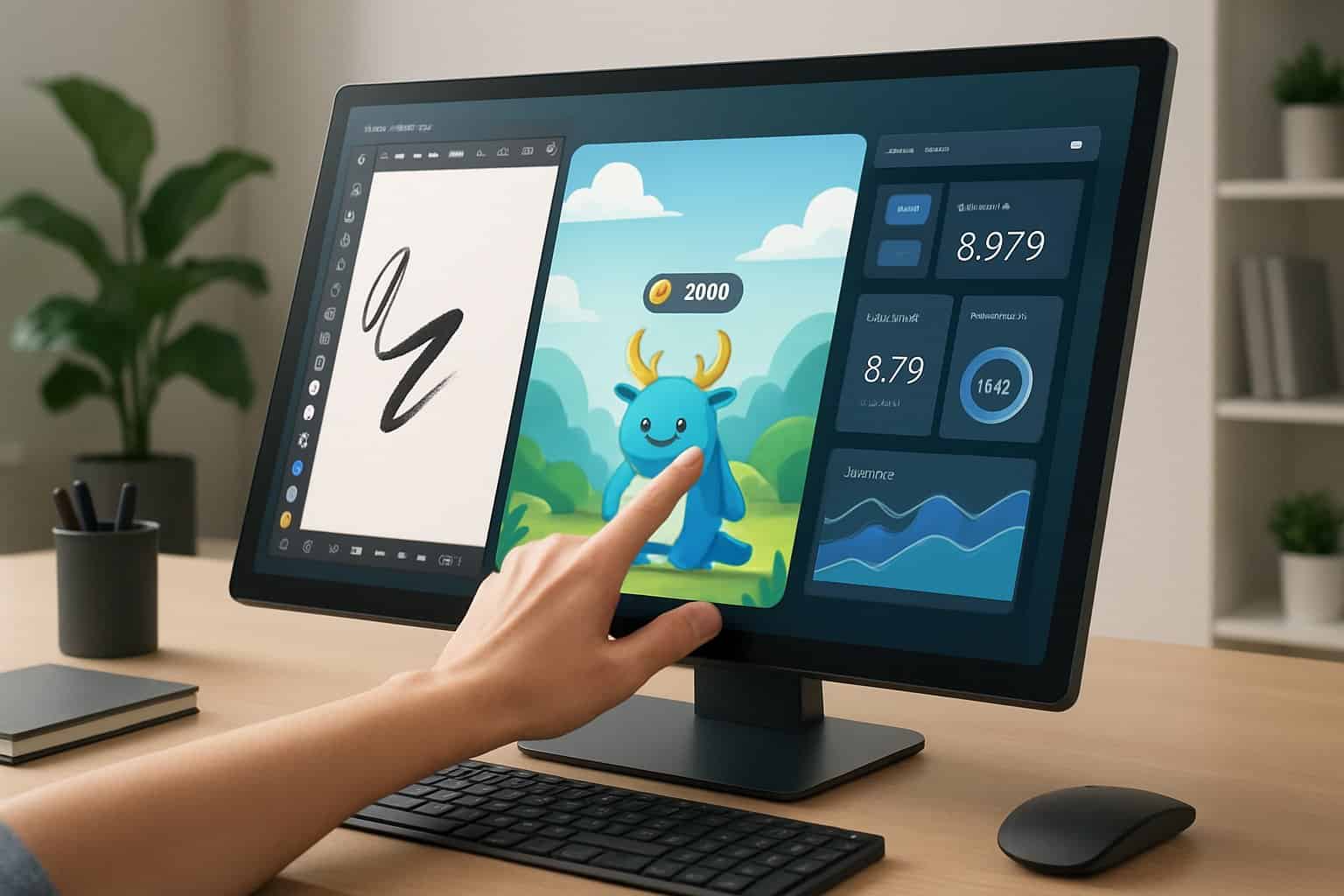
A touch screen monitor combines the traditional display with interactive touch capabilities, allowing us to control our devices directly through the screen. It offers a seamless way to navigate, draw, and interact with content, making it suitable for work, gaming, and creative tasks. This technology enhances productivity by reducing the need for external input devices like a mouse or keyboard in many scenarios.

Choosing the right touch screen monitor depends on factors like screen size, resolution, response time, and connectivity options. We’ll explore the features that matter most and help identify which monitors best fit different needs, whether for casual use or professional environments. Understanding these key points will simplify our purchase and improve our overall experience with touch screen technology.
Product Overview
Touch screen monitors combine visual clarity with interactive control, allowing direct manipulation of content on the display. We focus on performance attributes, display technologies, connectivity options, and ergonomic design to understand what makes a monitor suitable for various uses.
Features and Performance
We look for high-resolution screens with fast response times to ensure smooth interaction and clear visuals. Features like multi-touch support enable several simultaneous inputs, boosting productivity and ease of use.
Response speed is critical, especially for gaming or design work, with ideal monitors offering response times below 10 milliseconds. Additional features such as palm rejection and stylus compatibility expand usability for creative and professional tasks.
Built-in brightness levels typically range from 250 to 500 nits, balancing visibility in multiple lighting conditions. Durable glass, often Gorilla Glass or hardened coatings, protects against scratches and wear from frequent touch.
Display Types and Technology
Capacitive touch technology is the most common, offering precise, fluid touch recognition through the electrical conductivity of our fingers or a stylus. Resistive screens, less sensitive but affordable, respond to pressure rather than touch.
LCD panels dominate the market, mainly IPS or TFT varieties, valued for wide viewing angles and accurate color reproduction. OLED displays appear in premium models, providing higher contrast and faster refresh rates but usually at a higher cost.
Resolution standards frequently start at Full HD (1920×1080), with 4K (3840×2160) panels available for users who require detailed and sharp images, such as designers or professionals in visual media.
Connectivity and Customization
Modern touch screen monitors support multiple connection types, including HDMI, DisplayPort, USB-C, and legacy VGA ports. USB-C is particularly important for single-cable solutions, carrying video, power, and data simultaneously.
Many models come with USB hubs integrated into the monitor, allowing us to connect peripherals like keyboards, mice, or external drives directly to the screen. This helps streamline workspace setup.
Customization options include adjustable screen settings—brightness, contrast, touch sensitivity—as well as software utilities for calibration and gesture controls. Some monitors also support docking stations or additional modular components for enhanced workflow versatility.
Ergonomics and Design
Ergonomic flexibility improves comfort and usability. We value monitors with adjustable stands that offer height, tilt, swivel, and pivot options to position the screen optimally.
Slim bezels and minimalist styling are common in current models, maximizing viewing area and creating clean workspace aesthetics. Matte screen coatings reduce glare and reflections while maintaining touch accuracy.
Portability matters for those needing mobile solutions; lightweight, compact touch monitors with built-in batteries or easy connectivity are available without sacrificing performance.
Physical buttons for power and menu navigation remain standard, often complemented by touch-sensitive controls or remote management features on high-end monitors.
Brands and Models
Choosing a touchscreen monitor involves evaluating build quality, responsiveness, and connectivity. Different brands focus on varying strengths like color accuracy, durability, or multi-touch capabilities. Understanding these specifics helps us pick the right model for work, creative tasks, or general use.
Dell Touchscreen Monitors
Dell’s touchscreen monitors are well-regarded for their sharp image quality and robust construction. Many models include IPS panels with wide viewing angles and accurate color reproduction, making them suitable for professional and everyday tasks.
They offer responsive multi-touch support, often supporting up to 10 touchpoints. Dell models typically feature multiple connectivity options such as HDMI, DisplayPort, and USB-C, increasing compatibility with various devices.
Popular choices include the Dell P2418HT and Dell 2220 Series, known for solid performance and ergonomic adjustability. These monitors often come with anti-glare coatings, reducing eye strain during long use.
ASUS Touchscreen Displays
ASUS focuses heavily on vibrant displays and versatility. Their touchscreen monitors frequently feature high resolution options like 4K UHD and utilize nano edge bezels for immersive viewing experiences.
ASUS models often target both gamers and professionals, combining fast response times with touch technology. The ZenScreen Touch MB16AMT, for example, is a popular portable touchscreen designed for on-the-go productivity.
We find ASUS monitors deliver reliable touch responsiveness paired with multiple input options, including USB-C and micro-HDMI, making them ideal for varied setups.
Philips SmoothTouch Monitors
Philips’ SmoothTouch monitors emphasize smooth and accurate touch interaction, leveraging advanced touch sensor technology for precise input.
Their displays usually incorporate wide-gamut panels offering rich colors and eye-care features like flicker-free technology and low blue light modes. This focus suits users who prioritize eye comfort during extensive use.
Models such as the Philips 242B9T support multi-touch with up to 10 points, along with flexible stand adjustments and business-friendly features like integrated USB hubs.
ViewSonic Multi-Touch Monitors
ViewSonic specializes in interactive displays with strong multi-touch capabilities, often supporting 10 or more touch points. Their monitors are designed to enhance collaboration in professional and educational environments.
We note ViewSonic’s focus on screen durability, including anti-smudge and scratch-resistant coatings. The monitors also offer rich color accuracy and wide viewing angles using IPS technology.
Models like the TD2430 feature flexible connectivity, including HDMI and DisplayPort, and are tailored for tasks needing precise touch accuracy and intuitive control.
Industry and Application
Touch screen monitors serve diverse roles across multiple fields. Their sizes, durability, and interactive features adapt to specific industry needs. We focus on large-format industrial models, education and collaboration uses, and entertainment applications.
Industrial Touch Screen Monitors 32”-55” Series
Our large industrial touch screen monitors, ranging from 32” to 55”, meet demanding environments requiring precise control and durability. These monitors typically offer:
- High-resolution displays for clear visuals.
- Rugged designs resistant to dust, moisture, and vibrations.
- Advanced touch technologies such as capacitive or resistive panels.
- Versatile connectivity options supporting various industrial systems.
These features enable seamless integration into manufacturing lines, control rooms, and machinery interfaces. Customization options in size and touch responsiveness allow us to tailor solutions for automation, logistics, and process monitoring.
Use Cases in Education and Remote Collaboration
Touch screen monitors enhance interactive learning and remote teamwork by providing intuitive interfaces. We utilize them in classrooms, conference rooms, and virtual collaboration spaces to:
- Display and annotate content in real time.
- Connect with multiple users for shared presentations.
- Support multitouch gestures, enabling dynamic interactions.
- Integrate with video conferencing tools and digital whiteboards.
Their responsiveness and ease of use shorten the learning curve and improve engagement. Adaptability to various software and hardware systems ensures compatibility across education and business platforms.
Gaming and Entertainment Displays
In gaming and entertainment, touch screen monitors combine high resolution with fast response times and vivid color accuracy. We prioritize:
- Screen sizes optimized for immersive experiences.
- Multi-touch support for game controls and interactive interfaces.
- Robust build quality suitable for public venues.
- Connectivity to gaming consoles, PCs, and media players.
These monitors enhance user experience in arcades, digital kiosks, and home setups by delivering precise, responsive touch input and vibrant visuals suited to fast-paced applications.
Shopping and Support
When buying a touchscreen monitor, it’s key to focus on display size, resolution, connectivity, and touch technology compatibility. Support and warranty terms vary, so understanding them helps protect our investment. We also want to consider where and how to buy, ensuring flexibility and security. Customer feedback and common questions often reveal practical insights that guide our decisions.
How to Choose a Touchscreen Monitor
Choosing a touchscreen monitor starts with size and resolution. Larger displays, like 27 inches with 2560×1440 resolution, offer more workspace and sharper images. Smaller 21.5-inch Full HD monitors provide clarity without taking much desk space.
Next, touch technology matters. We prefer models supporting 10-point multitouch for precise gestures like pinch-to-zoom and swipe. It enhances productivity and ease of use.
Connectivity options should fit our setup. USB-C, HDMI, and VGA ports are common. USB-C offers streamlined, single-cable connections, while HDMI and VGA provide compatibility with older systems.
Finally, consider additional features like built-in speakers and VESA mount support, which save desk space and improve audio experience.
Product Support and Warranty
Reliable product support is crucial for touchscreen monitors. We look for brands that offer direct customer service channels, such as phone, email, or live chat. This ensures prompt help when issues arise.
Warranty coverage typically includes parts and labor for at least one year. Extended warranty options are worth considering if we want long-term protection against defects.
Some manufacturers provide on-site repair or replacement services, minimizing downtime in professional settings like retail or healthcare.
Before purchasing, reviewing warranty terms—what’s covered and excluded—prepares us for potential repairs or replacements.
Purchase Options and Programs
We can buy touchscreen monitors through multiple channels: official brand websites, online retailers, and brick-and-mortar stores. Each option has trade-offs in price, availability, and delivery speed.
Many retailers offer financing plans or leases, helpful for businesses managing budgets. Look for programs that include easy returns and price matching.
Buying from certified dealers ensures authenticity and access to official product support. Some providers include bundled software or accessories that add value.
Portable touchscreen monitors are also available, offering flexibility for mobile work or presentations.
Customer Reviews and FAQs
Customer reviews provide insights on real-world performance and durability. We should focus on feedback about touchscreen responsiveness, build quality, and compatibility with operating systems.
Common questions also cover setup issues, driver installation, and multitouch support. FAQ sections on vendor sites often solve these quickly.
Pay attention to repeated praise or complaints, as patterns indicate consistent strengths or weaknesses.
Checking reviews and FAQs helps us anticipate challenges and make informed choices before purchasing a touchscreen monitor.
For more detailed options and reviews, explore top touchscreen monitors in the UK or touchscreen monitor buying guides.